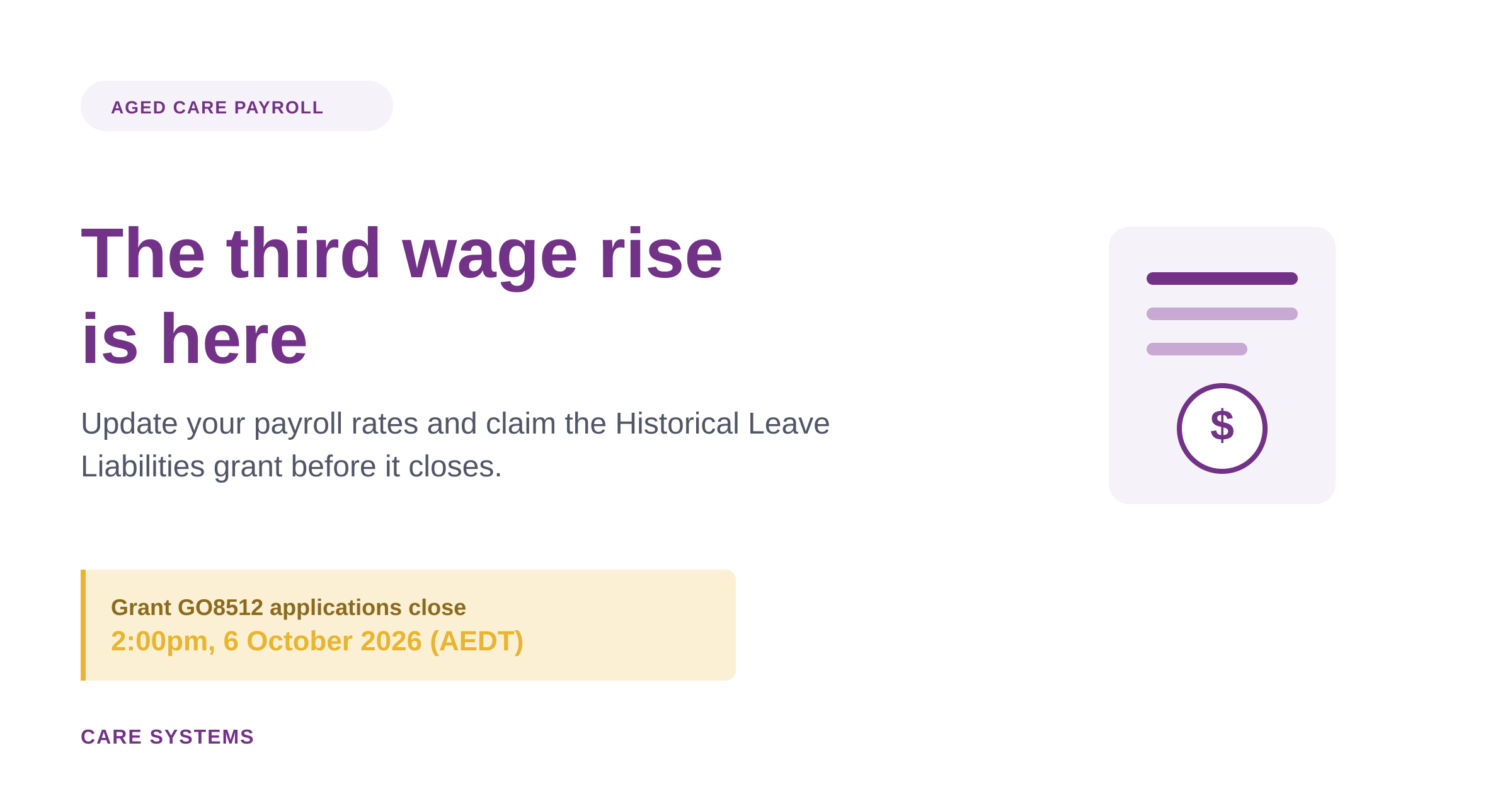
From the first full pay period on or after 1 August 2026, registered and enrolled nurses working in aged care received a further minimum pay rate increase. It’s the third and final instalment of the pay rise the Fair Work Commission handed down in its December 2024 Aged Care Work Value Case decision, following earlier increases on 1 March 2025 and 1 October 2025.
For Care Providers, that means the multi-year process of staged wage increases is now complete. But it also means one more round of payroll updates, and one more round of flow-on costs to manage, particularly the impact on leave entitlements.
What’s changed?
The National Minimum Wage and minimum award wages have both increased. For aged care specifically, the Nurses Award changes complete the three-tranche wage rise for registered and enrolled nurses. Providers should treat this as the final step in a process they’ve likely already been managing since early 2025, rather than a one-off change to configure from scratch.
A grant to help with the cost
The Aged Care Award Wages – Historical Leave Liabilities Increases – 1 August 2026 Grant Opportunity (GO8512) is now open. It’s designed to help providers cover some of the higher costs arising from the wage increase, specifically the flow-on effect to leave entitlements.
The grant offers:
- Up to 25% of the increase to leave entitlements for residential aged care providers
- Up to 50% of the increase to leave entitlements for Support at Home, Commonwealth Home Support Program, Transition Care Program and National Aboriginal and Torres Strait Islander Flexible Aged Care Program providers
In-scope Multi-Purpose Services providers aren’t eligible to apply separately, as they’ll receive funding through their existing funding agreement instead.
Applications close 2:00pm, 6 October 2026 (AEDT), and are submitted through GrantConnect.
What to do now…
A few practical steps worth working through before your next pay run:
- Update your classification and experience tables. Make sure hourly rates of pay reflect the new minimums for every affected classification.
- Run a pay rate audit. Before processing pays, check for any employees whose rates haven’t updated correctly, particularly where special allowances or base rate overrides apply.
- Check your leave liability figures. These will have moved along with the wage increase, and you’ll want accurate figures on hand if you’re applying for the grant.
- Apply for GO8512 before 6 October, if you’re eligible, so you’re not covering the full cost of the leave entitlement increase yourself.
We’ve published updated knowledge base articles covering each of these steps, including how to update employee and classification hourly rates, how to run an employee pay rate audit report, and how to add special allowance payitems and base rate overrides in employee maintenance. On Premise clients working through an upgrade as part of this process can also find step-by-step guides for both the standard installer and Installation Manager methods.
If you’re unsure where to start, or want to talk through how the changes apply to your organisation, our support team is ready to help.